360 Videos

Apple Pure Vision and the Immersive Experience Opportunity

Memorable VR experiences

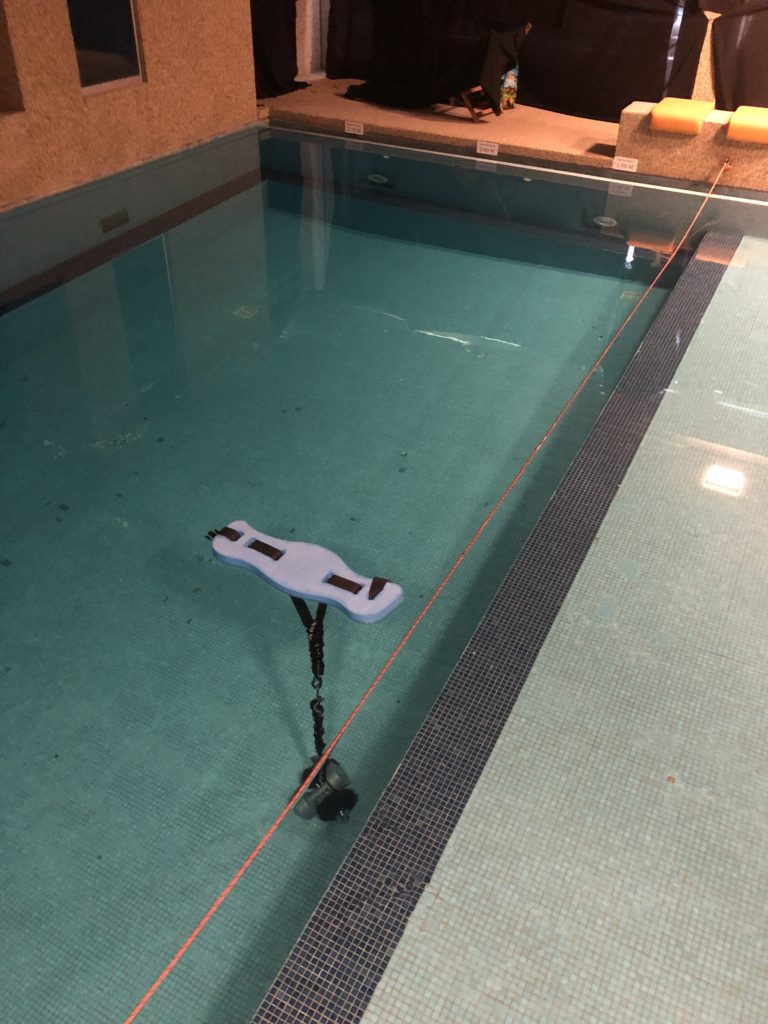
AR/VR and XR have been around for years, if not decades. The most unique VR experience I was involved with was people wearing an immersive headset whilst snorkelling in a pool to experience being “weightless” whilst watching an immersive video. 

The second most interesting video 360 experience was a ZDF volcanic explosion where you could watch a volcano explode, as if you were in Pompei. You could follow the projectiles as they flew by you. You could watch the pigeons take off and fly away. 
Filming events in 360

We have all seen events covered by photographers and camera operators but how many events have we seen covered with 360 degree videos?

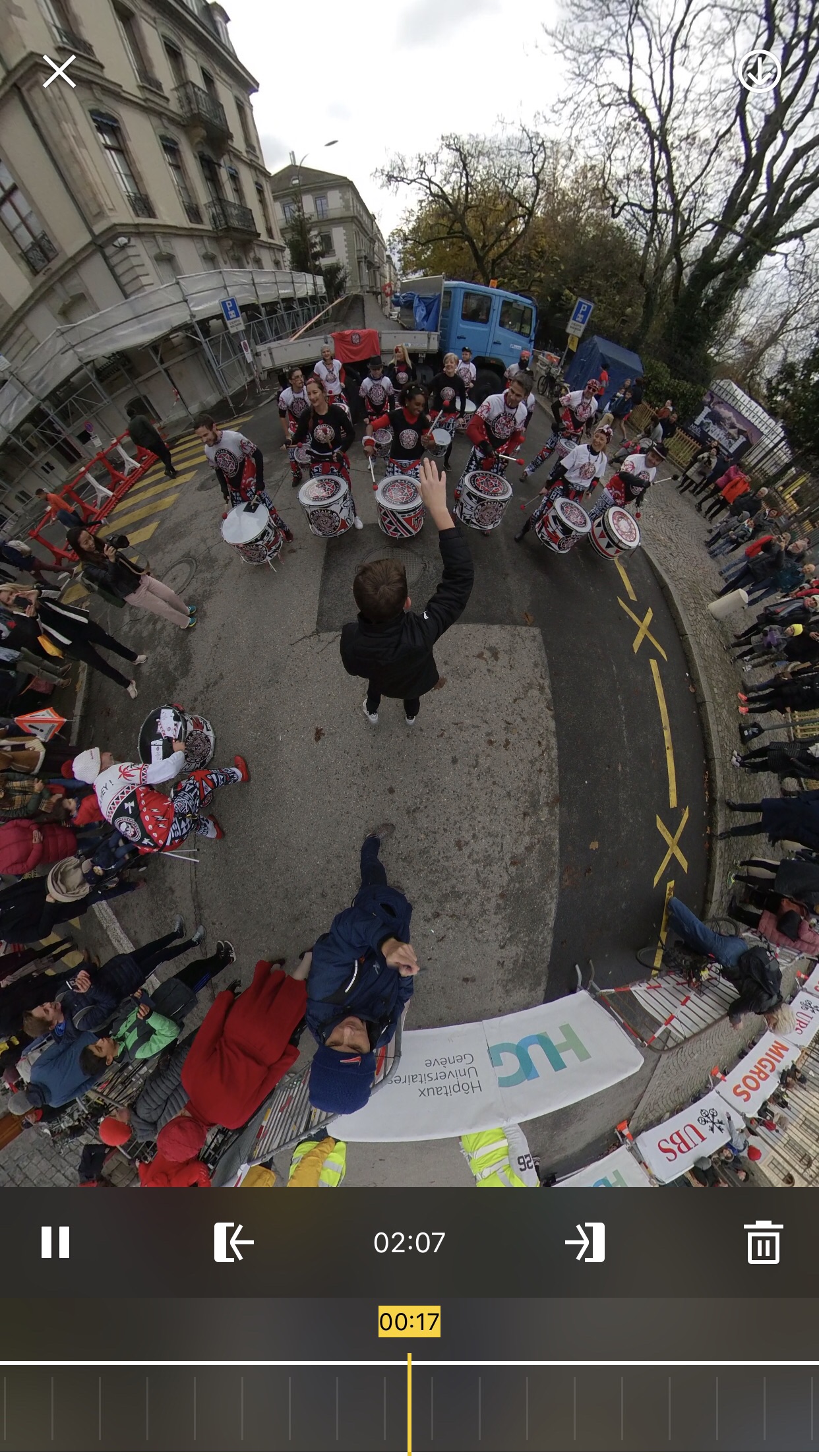
A few weeks ago I filmed the Escalade, wrestling and other events with 360 cameras and it was fun. In some cases it was the opportunity to play with a new format and in other cases it was the opportunity for proof of concept.

The thing to remember about 360 videos is that you’re placing the camera at a point in space and people can look around as if they were holding the camera. Of course rather than hold the camera with their hands they are holding it with their fingers or even on their heads.

A continued Interest in 360 Videos

A few weeks ago I was at the Geneva International Film Festival in Geneva as a volunteer so I got to play and experience new 360 experiences and some of these were interested because we could move around in space whilst others were interesting because of their length.

A few years ago people thought that 15-20 minutes was long for content but during the GIFF it became apparent that content is now 30 or more minutes long so another wall has come down. People can now experience immersive VR Goggle experiences for extended periods of time and this opens quite a few new doors.

Sea of Tranquility - Snorkeling VR by Pierre Friquet

During the World XR Forum this year in Crans Montana I helped Pierre Friquet with his Sea of Tranquility VR Experience. This VR experience was unique in that it required you to be either in your swimming clothes, your underwear or other.

This was a VR experience where you went from being outside where the temperature was descending to winter temperatures to what felt like a warm room when dressed but comfortable when wet.

The Insta360 Nano and Air - A climbing test

The Insta 360 Nano and Air are two affordable cameras. The first is designed to work with the new iPhone shape as well as a stand alone device. The Insta360 Air works only when it is plugged into an Android device. Both are good for specific uses.

Insta360 Air

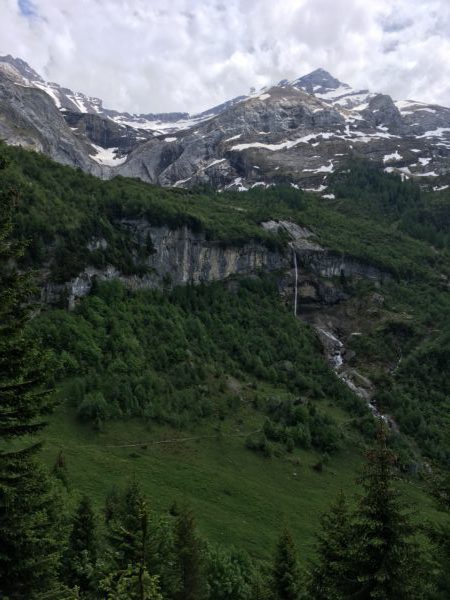
The Insta360 Air requests a firmware update the first time you want to use it. This takes a few minutes and then the device uses the phone’s gyroscopes to keep the image stable. On the Via Ferrata I climbed this weekend I used the insta360 Air and Xperia Z5compact phone to take one or two landscape pictures. In these images you can look up at the cliff, look across at the landscape or look down at how far from the ground I am. This is a nice way of giving people a feel for what it is like to practice Via Ferrata. For the use of this system, it is good to have both hands free. [vrview img=“https://www.main-vision.com/richard/blog/wp-content/uploads/2017/06/export_1496508048682-1.jpg” width=“500” height=“500” ] Use the mouse/trackpad to rotate the image

A 360° cooking Show would be interesting to watch.

For a few weeks now I have been thinking about how you could make a 360° cooking show. For this video I would like to be able to see the process from an angle where I see the person cooking. I would also like to see all of the ingredients and the preparation of various stages of the recipe. For this you would need an open plan kitchen where preparation takes place in the middle of the room. If it was to be filmed with just one camera then the camera should be lower than eye level but not by much. I would want to look straight ahead in to the eyes of the person preparing the meal and talking. As the person speaks about ingredients I would like to be able to look down and see all of the ingredients. You would need enough room for chopping and marinating. I would think about having a camera above the cooking surfaces so that we can see how the textures change from the start of cooking to when the mix becomes “saucy”. That’s how they describe it in recipes. I want the 360 approach to be justified. I want to make it so that the viewer has a reason to wear VR goggles. The video above justifies a 360° video whereas the video below does not. The camera needs to be placed as close to the action as possible. It should be designed so that the viewer has to turn his head to see what is happening. This video does not justify the 360 approach because the action happens in front of the camera and although you can look around the background is not relevant. The action is too small on screen. You can’t see what they are doing. The camera operator and the producer should learn the recipe and identify what the stages of preparation are. They should have a shot list of every thing that is relevant and place the camera accordingly. Is an oven or a grill used? is sauce prepared? Is something timelapse friendly? A few years ago we were up in a swiss chalet with a friend and we decided to cook a pizza with a log fire rather than an oven. We started the log fire and then we placed the pizza next to the fire. As the fire was only on one side we rotated the pizza to get it to cook in full. In watching the playback you see the pizza cook as well as the logs go from being logs to embers and “melt” downwards as they burn. If the camera can safely be placed close enough to the fire then you could look down at the pizza as the ingredients change appearance and look up to see the logs decrease in size. I believe that 360° cooking shows have a future. In theory you need just one well placed camera and editing is cut down to a minimum. Instead of editing and vision mixing from two or three cameras you need just one. I believe that the programme should not be more than 5-10 minutes. People, for now, are still getting used to VR headsets and may find extended periods of time more tiring to watch. How long will it take before someone like Jamie Oliver uses VR cooking simulations to teach people to cook in the real world. With enough time they could emulate real cooking times at different heats so that when you transition from VR to reality you have the right intuition to successfully cook for yourself and others.

A 360 Video of planes landing - An experiment

Waiting for planes to land I prepared a 360 Video of planes landing at Geneva International Airport yesterday afternoon. Watching planes land, especially when you’re right underneath them just as they’re about to touch down is a lot of fun. You see the lights in the distance and slowly those lights approach. There is a point after which everything speeds up and the sound gets louder. The plane flies right over you and you see the landing gear, the engines and you see the plane correct as the wind buffets it from side to side. You see it skew and then you’re turning around very quickly and you watch it land. With a conventional camera or tripod this is a challenge to film because tripods are designed to pan and tilt but not in this manner. If you wanted to film landings from the position I was in you would need to build a rig that tilts up and then when the plane is directly overhead swivels and then tilts back down. With a conventional tripod this takes practice to get right. 360 cameras are an interesting alternative for camera operators because rather than move the camera it is the viewer that changes the direction in which he is looking. He watches the plane approach, looks up as it flies overhead and then swivels around to see it touch down. I filmed 18 landings. Some of the aircraft are A-320s and others are private jets. I would have liked to get one of the A-340s that lands at Geneva but I was not that lucky. When viewing this footage I notice that the underside of the aircraft is dark. When you watch this in person then you see a lot of detail which the camera was unable to pick up. I look forward to when we can film 360 videos with full control of the device.

The Theta+ Video app is available

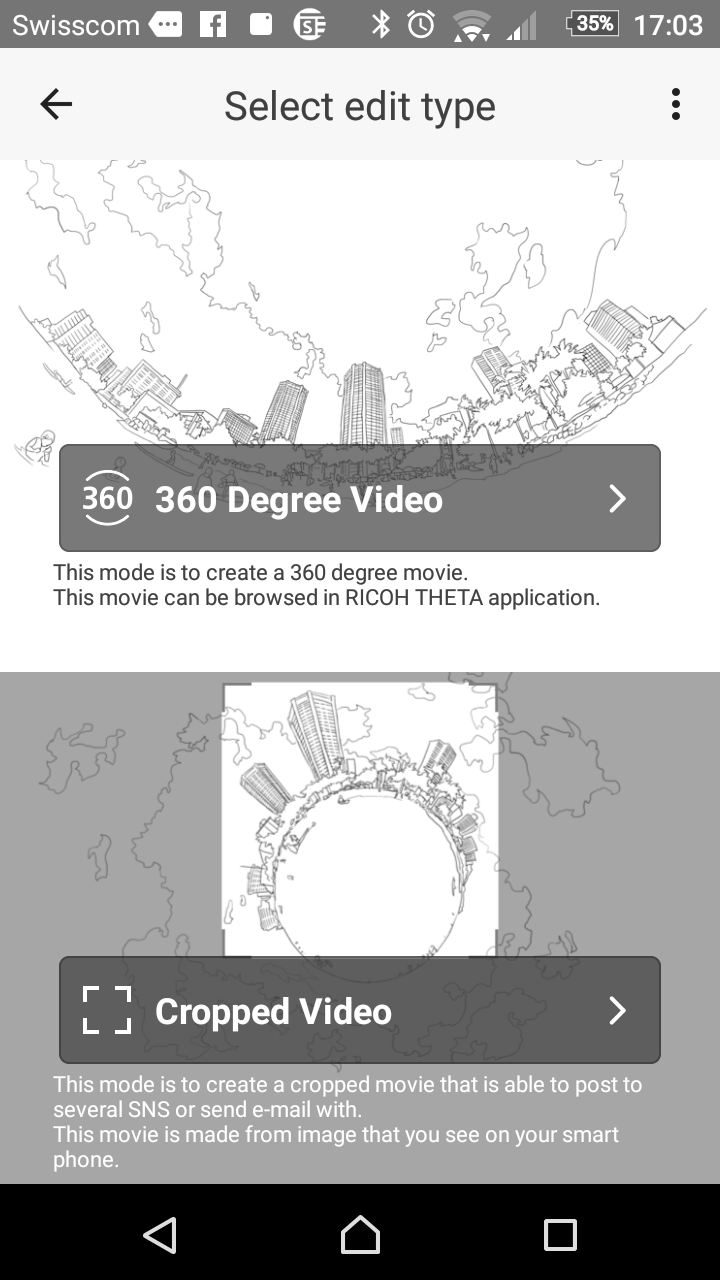
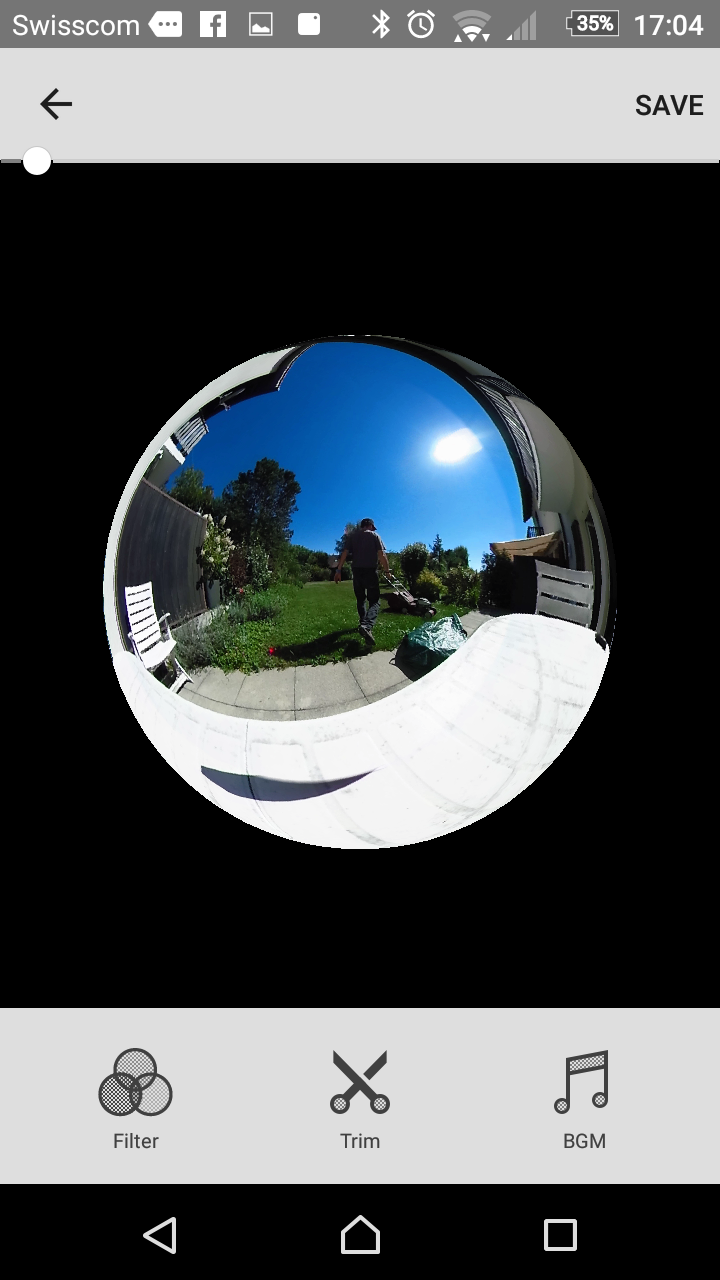
Yesterday the Theta+ Video app came out for Android. The Theta+ video app allows you to trim video clips and then share them to social networks. This means that you no longer need to wait until you get home to prepare content for sharing. You can do it while you sit and have a post activity hot chocolate or other drink. [caption id=“attachment_3325” align=“aligncenter” width=“169”]Video options Video options[/caption] When you select the raw video it is converted to be a spherical video. When that process completes you can choose between creating a 360 degree video or a cropped one. A cropped one is a tinyworld video. [caption id=“attachment_3326” align=“aligncenter” width=“169”]Filters, Trim and music Filters, Trim and music[/caption] The next menu gives you three choices, filters, trim or background music. I never bother with filters and the trim option is fiddly on the Sony Xperia Z5 compact with a 13 minute video. With a shorter video I would have found this process easier. Saving is not intuitive. First you trim the video and then you go back and save the changes. While saving you need to keep the app open. The sharing options are to Facebook, youtube and other social networks. This varies according to which apps you have on your phone. I like that the two first options are facebook and youtube as these are the networks that I usually share to. When I tried to upload to youtube it failed twice. When I attempted to upload to Facebook it was stuck at 99 percent twice. This is a great app to trim videos before sharing and add some music when required. What I would like to see in future versions is the ability to compile a number of 360 videos together to create edited sequences. They need to improve uploading so that it works better. At the moment of posting all attempts to share videos failed.

360 timelpase videos

360 timelapse videos provide us with interesting new opportunities. Imagine for example placing the camera out to see near Weymouth beach and watching as the tide comes towards the camera and then beyond it towards the city. Imagine watching as the sun rises on one side of the Leukerbad Valley and sets on the other. Imagine that BBC Natural history unit sequence of sand dunes moving across the landscape one day at a time for a year.